Interface and Themes
About Floorp Design
To customize the interface and design of Floorp, navigate to Floorp Hub and click on Tab & Appearance in the settings sidebar. The "Interface" settings will be displayed at the top.
Here, you can modify the design to customize the overall appearance of Floorp.
For details on other sections within Floorp Hub > Tab & Appearance, please check the following articles:
Interface Customization Settings
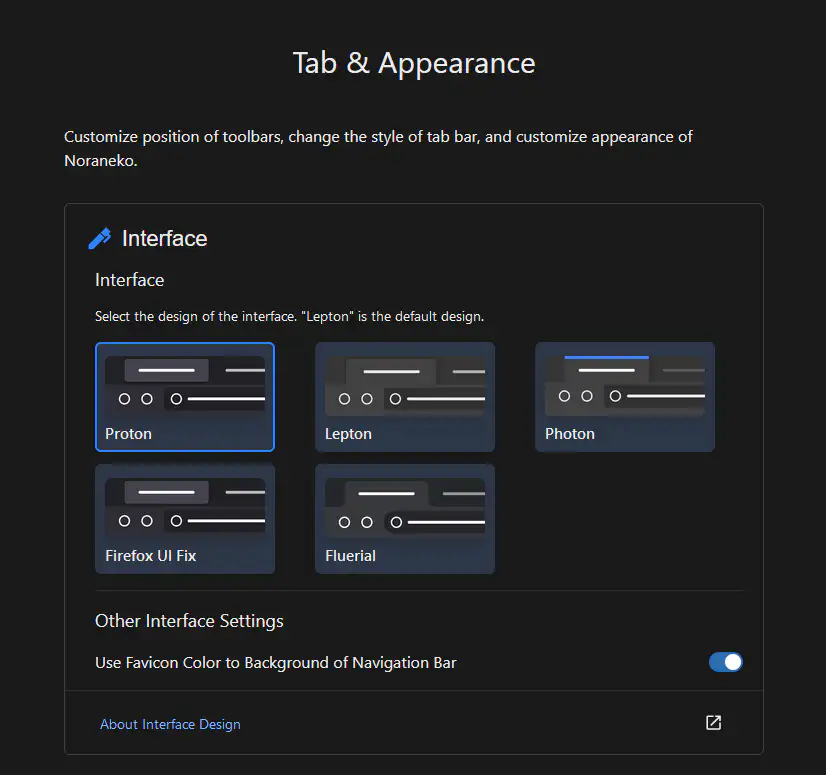
Available Designs
- Proton
Firefox's original design, used since Firefox 89.

- Lepton
A custom design by black7375. It is often said to resemble Microsoft Edge.

- Photon
A custom design by black7375. It was used in Firefox 88 and earlier.

- Firefox UI Fix
A custom design by black7375. This is an enhanced version of Firefox Proton.
- Fluerial
Floorp's original design, inspired by Material Design.

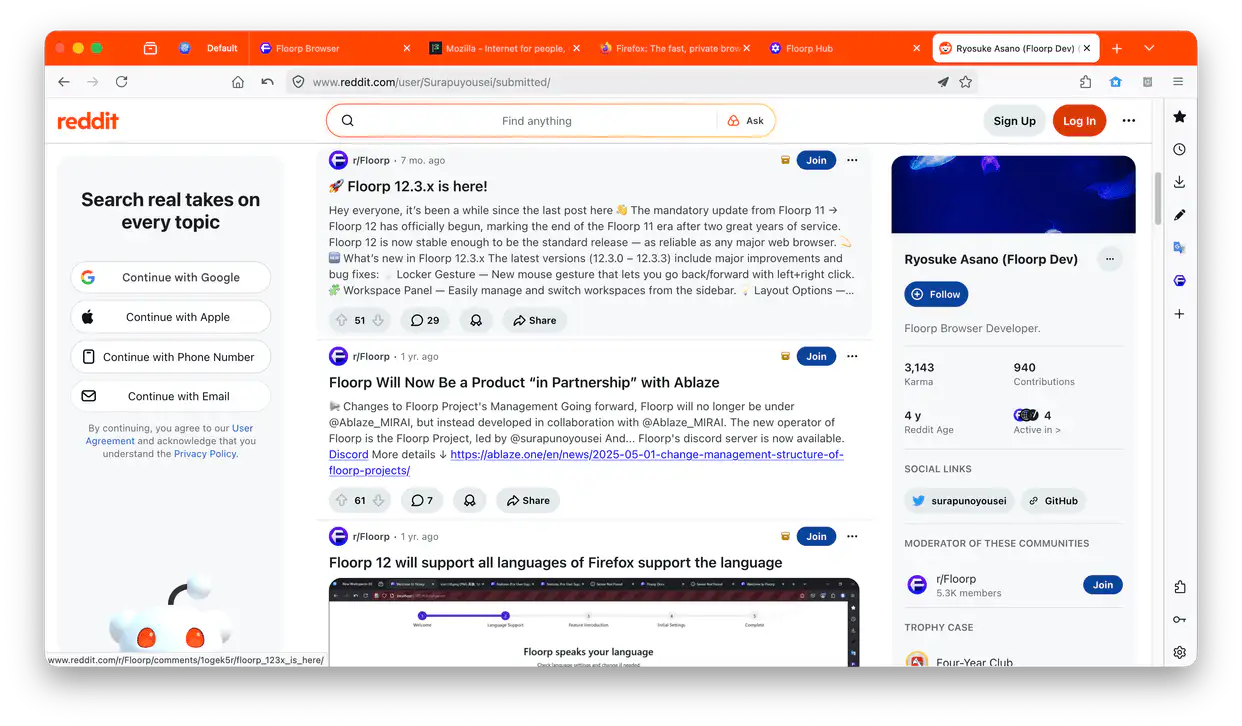
Use Favicon Color for Navigation Bar Background
When enabled, the color of the active tab's favicon will be applied to the navigation bar background.
Changing the Theme
Navigate to the Add-ons Manager (about:addons). By default, you can choose from the System theme, Light, Dark, and Floorp Alpenglow.
You can explore even more third-party themes on Firefox Add-ons.
While modifying "UI Extension Settings" or editing CSS is possible, we cannot guarantee official support for issues caused by them. Please do so at your own risk.