Share Mode and Zen Mode
Hiding for Others, Hiding for Yourself
Many people might have the impression that Floorp is a browser packed with information.
While that's not incorrect, did you know that Floorp also provides built-in ways to reduce information overload?
For instance, you might need to show your screen to someone else, only to realize that your open tabs and bookmark bar are filled with personal information.
Or perhaps you want to focus on writing, but the other tabs visible on your screen keep distracting you.
In this article, we will introduce two features designed to help you focus on what matters while respecting your privacy.
Using Share Mode
Share Mode can be enabled by navigating to Menu Bar > Tools.
Once enabled, Share Mode hides your tabs, bookmark bar, and extension icons on the toolbar to prevent your personal data from being accidentally exposed.
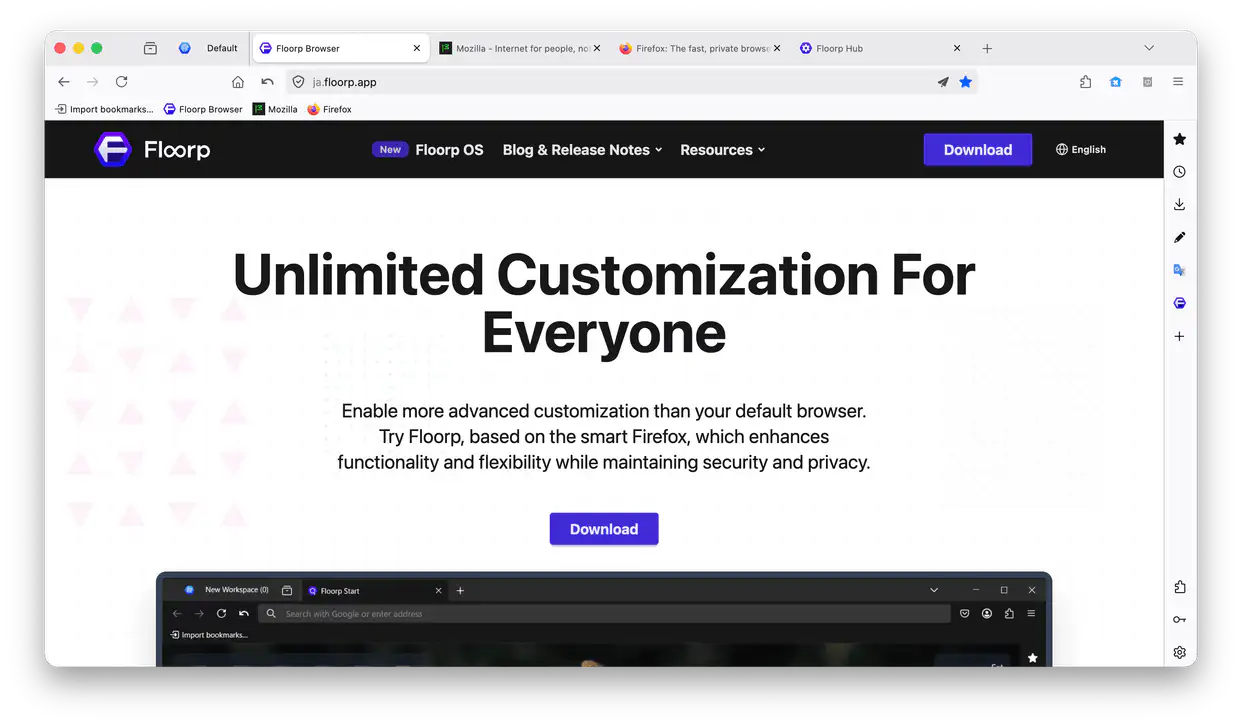
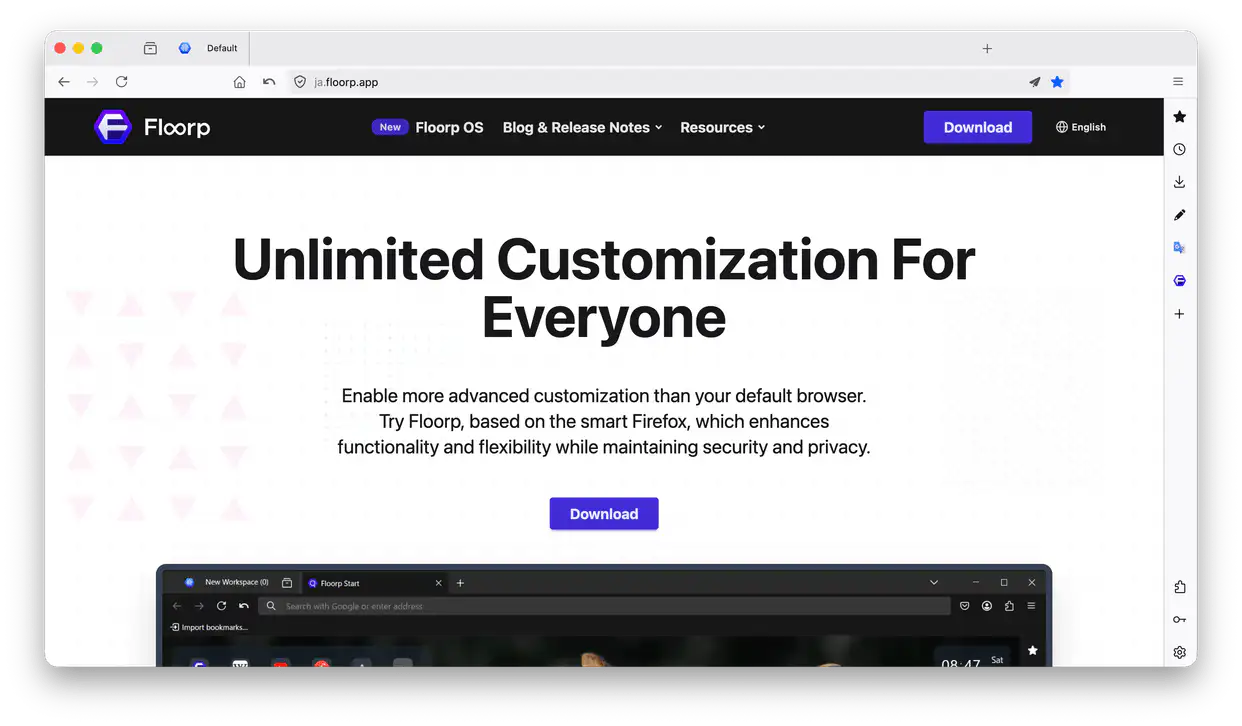
Using Zen Mode
In addition to Menu Bar > Tools, Zen Mode can also be toggled via keyboard shortcuts, mouse gestures, and the command palette.
When Zen Mode is active, clutter like the tab bar, toolbar, and Panel Sidebar are completely hidden from sight and will only reappear while you hover your mouse cursor over them. Note that certain UI elements may not be affected by Zen Mode.