Интерфейс и темы
О дизайне Floorp
Чтобы настроить интерфейс и дизайн Floorp, перейдите в Floorp Hub и нажмите Вкладки и внешний вид в боковой панели настроек. В верхней части отобразятся настройки «Интерфейс».
Здесь можно изменить дизайн, настроив общий внешний вид Floorp.
Подробнее о других разделах внутри Floorp Hub > Вкладки и внешний вид читайте в следующих статьях:
Настройки персонализации интерфейса
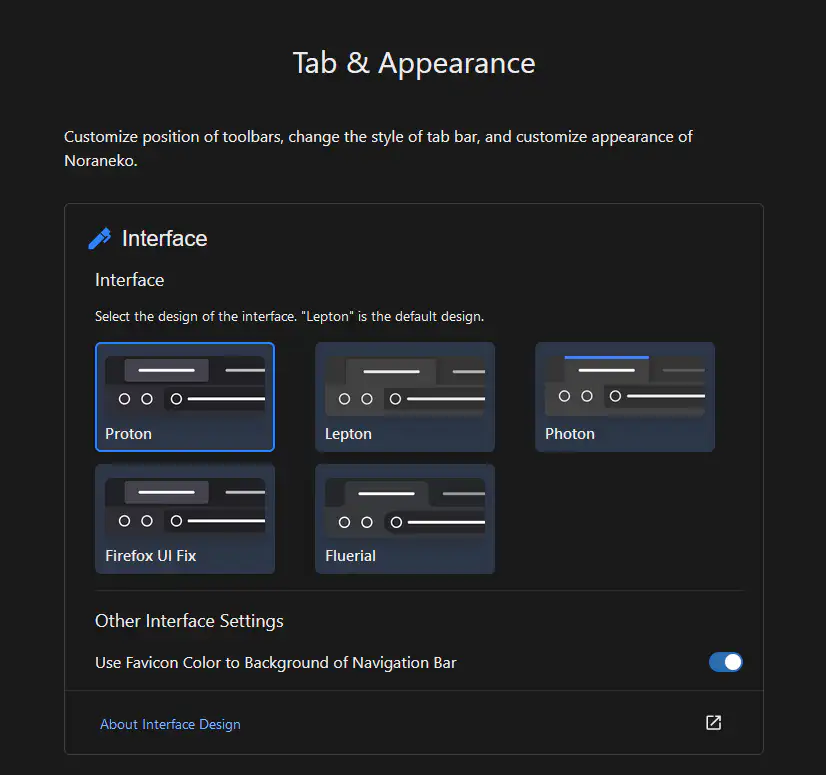
Доступные дизайны
- Proton
Оригинальный дизайн Firefox, используемый начиная с Firefox 89.

- Lepton
Пользовательский дизайн от black7375. Напоминает Microsoft Edge.

- Photon
Пользовательский дизайн от black7375. Использовался в Firefox 88 и более ранних версиях.

- Firefox UI Fix
Пользовательский дизайн от black7375. Это улучшенная версия Firefox Proton.
- Fluerial
Оригинальный дизайн Floorp, вдохновлённый Material Design.

Использовать цвет значка для фона панели навигации
Когда включено, цвет значка активной вкладки применяется к фону панели навигации.
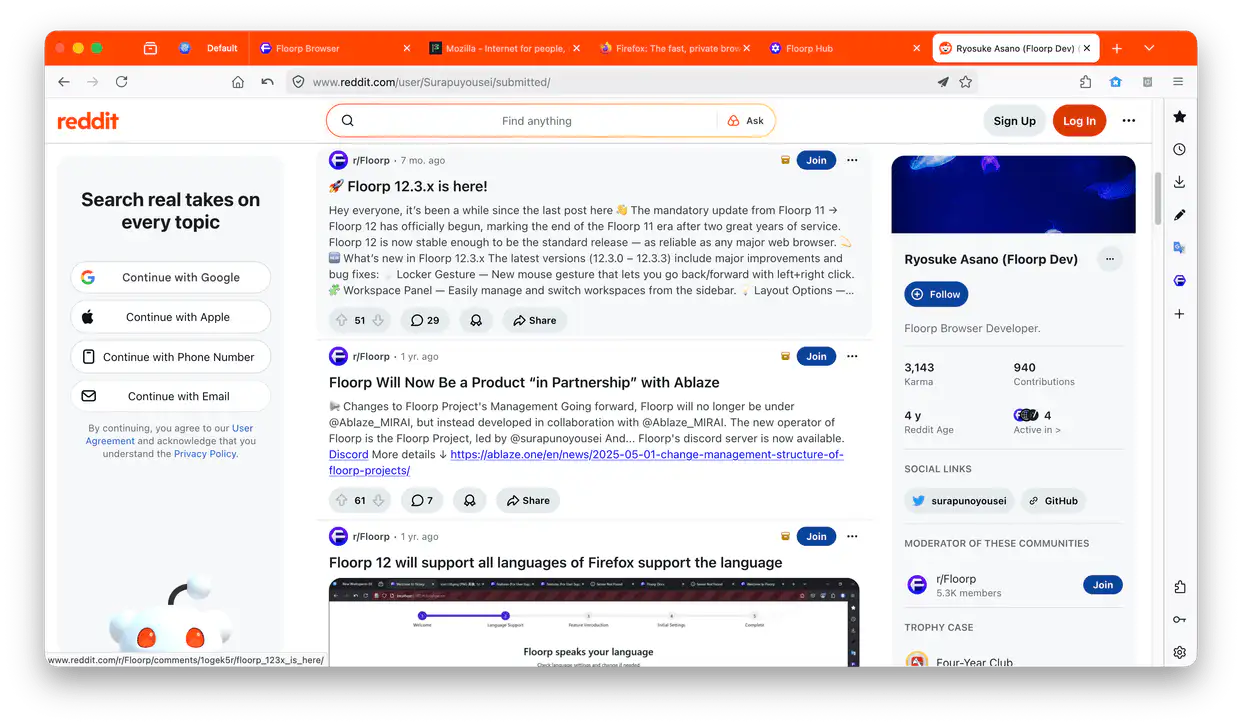
Изменение темы
Перейдите в менеджер дополнений (about:addons). По умолчанию можно выбрать системную тему, светлую, тёмную и Floorp Alpenglow.
Ещё больше сторонних тем можно найти на Firefox Browser ADD-ONS.
Редактирование CSS возможно, но официально не поддерживается. Делайте это на свой страх и риск.